
For teachers
Keep your students playing
Practice between lessons decides whether a student keeps going. Quaverley gives every piece a plan and every week a record, so the lesson starts from what actually happened.
No account needed. One email when the view opens.
The gap
The week between lessons is where the piece is won or lost
Most practice happens without a teacher in the room. A student who is unsure what to do next returns to what is already comfortable, and the hard parts wait. The piece stalls, the next lesson repeats the last one, and the habit weakens before the playing does.
A plan removes the uncertainty. It says which bars to work on, at what tempo, and what to listen for. That is the whole idea, and it is the part a teacher usually has to write out by hand.
What students do
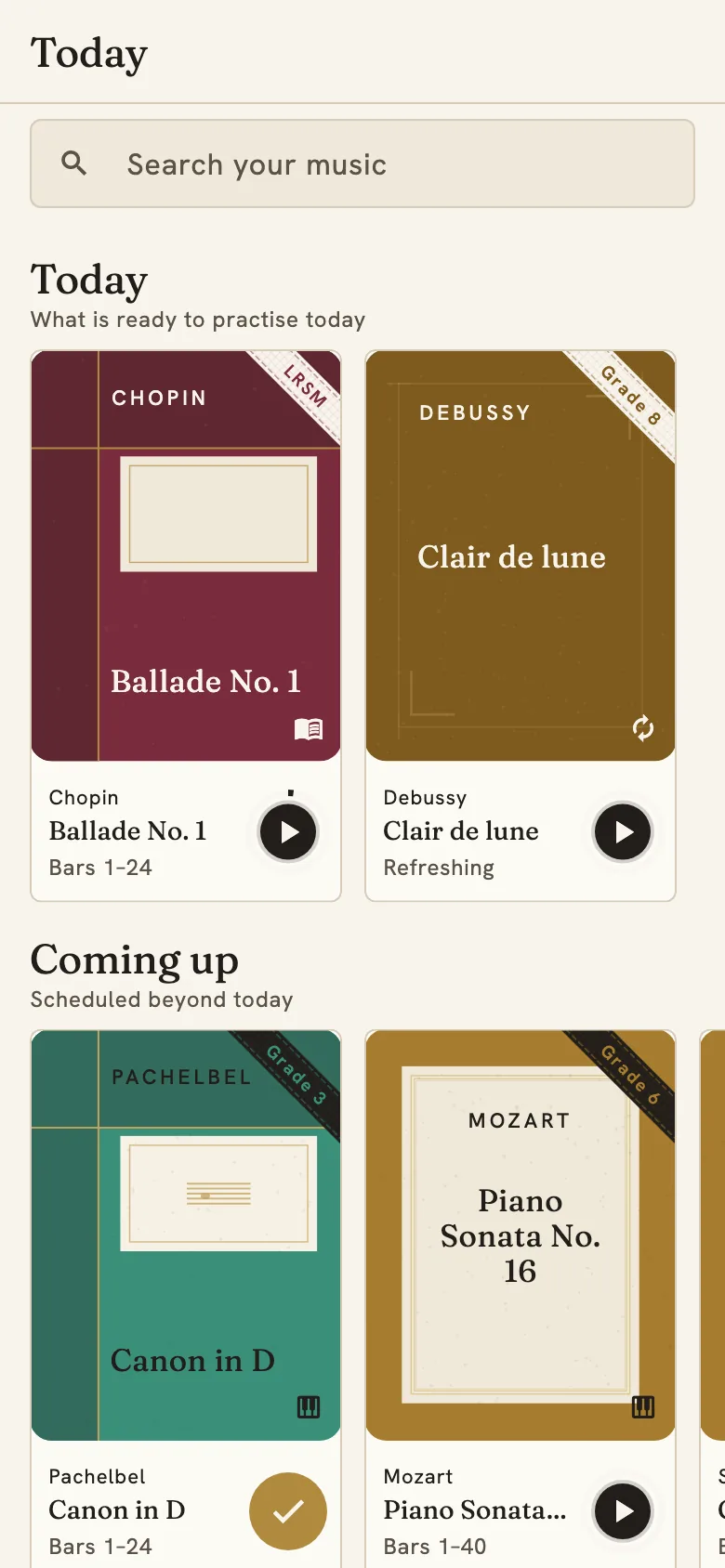
Any assigned piece becomes a plan
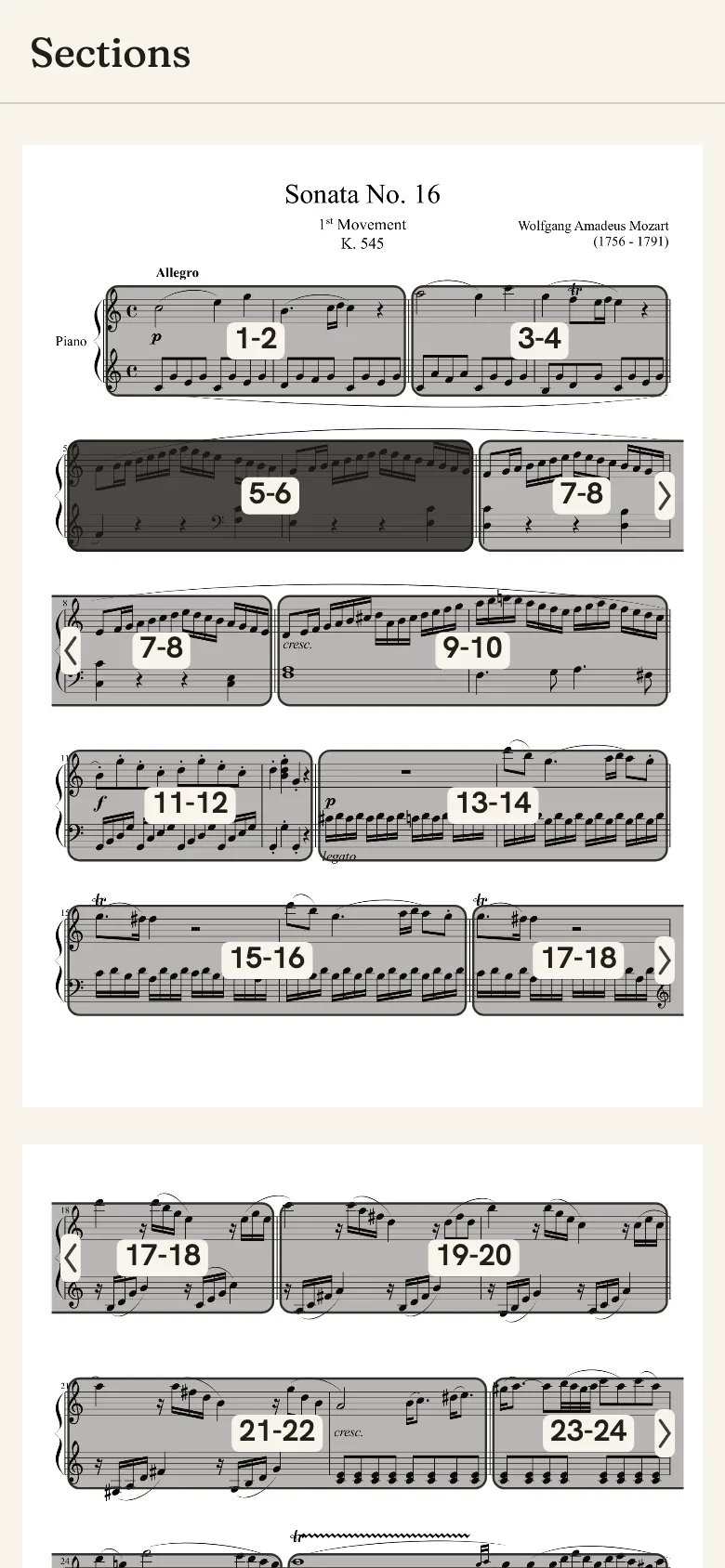
Students add the piece once. Quaverley finds the bars and sections, then builds a study plan with a step for each one.
Every step names its bars, its tempo and the thing to listen for. Students mark a step complete when they can play it cleanly, twice in a row. The plan decides what comes back and when, so the week has a shape without anyone writing it out.
What you see at the lesson
The record, before the question
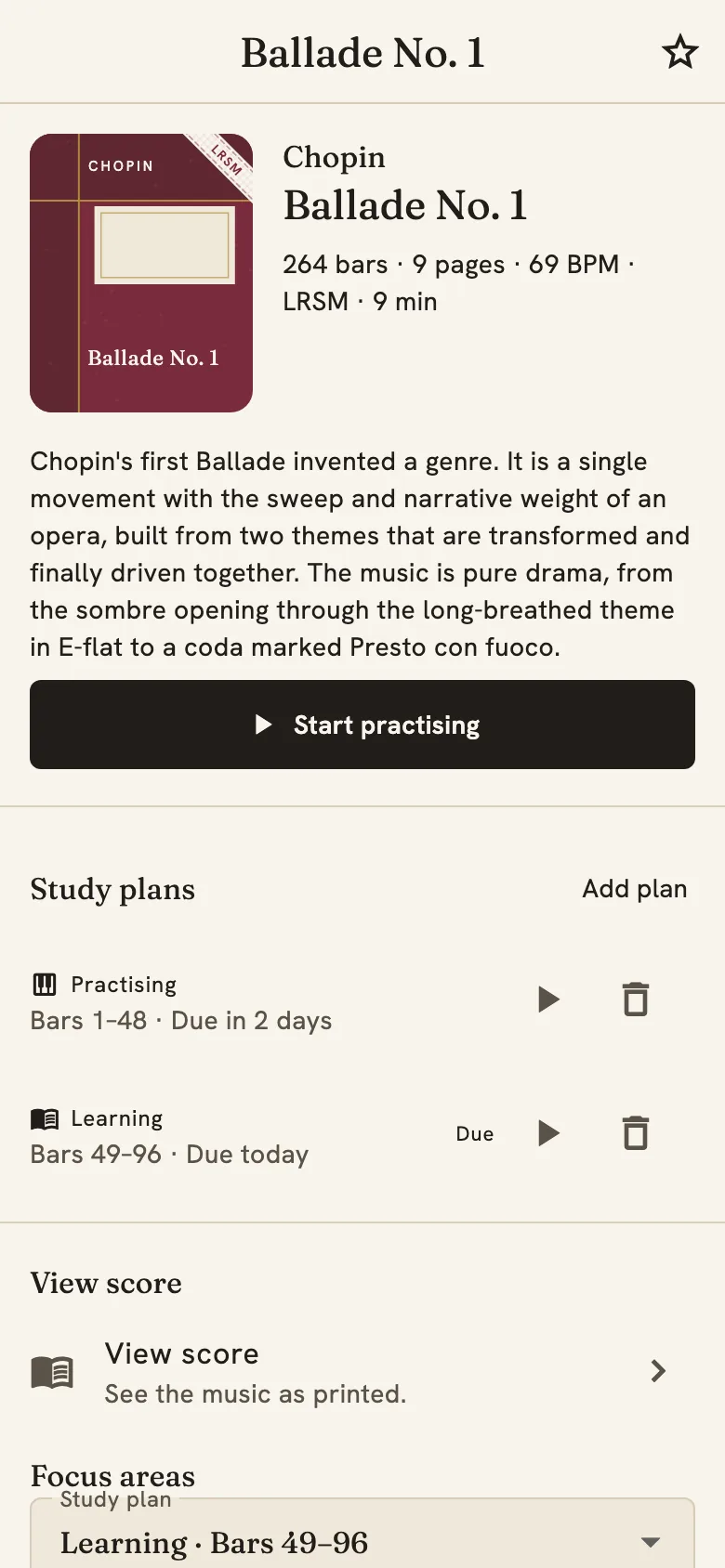
The progress record shows which bars are secure, which keep returning, and what the tempo has reached.
The lesson can go to the playing, and the week does not need reconstructing first. The record is bar-level, so it answers the specific question of what is solid enough to build on.
In development
A teacher view, built for the lesson
The view will show who has practised, what is secure, and what to ask about when the lesson begins. The plan already sets the work, so the view stays out of the way of the teaching.
Today a record belongs to the student's account. What is shared in the teacher view, and with whom, will be the student's decision.
Join the teacher list and you will hear when it opens.
Be told when the teacher view opens
A teacher view is in development, built to show who has practised and what is secure before the lesson. Join the list and you will hear when it opens.
Practise what you love. Play it well
The method on this page is the method in the app, and it works for a twelve-year-old preparing a grade and an adult returning after twenty years.
Teacher questions
Before you recommend it
Does this replace the lesson?
No. The lesson keeps its role: a teacher hears what software cannot, and Quaverley holds the plan and the record for the six days in between. A practice companion, not a replacement for teaching sets out where the line falls.
How does a student join?
Students sign up for themselves at the app, in a browser or from the store. 7 days free. No card required. There is no studio account yet.
Which pieces can students add?
Any piece. The library covers graded repertoire from the Initial Grade to Grade 8 and the ARSM, LRSM and FRSM diplomas, and an upload can be anything else, including a student's own composition.
What does a student see in the free trial?
The full plan for a piece, the practice records and the library. 7 days free. No card required. Subscribing on the web extends your free period to 30 days in total, counted from the day you signed up.
Is a student's progress private?
It stays in the student's account. The teacher view in development will be shared by the student's choice, and the privacy page describes what is stored today.
Which devices do students need?
A browser, an iPhone or iPad, or an Android device. The record follows the account, so progress made on one device is there on the next.

Start with the piece you have always wanted to play
7 days free. No card required.